
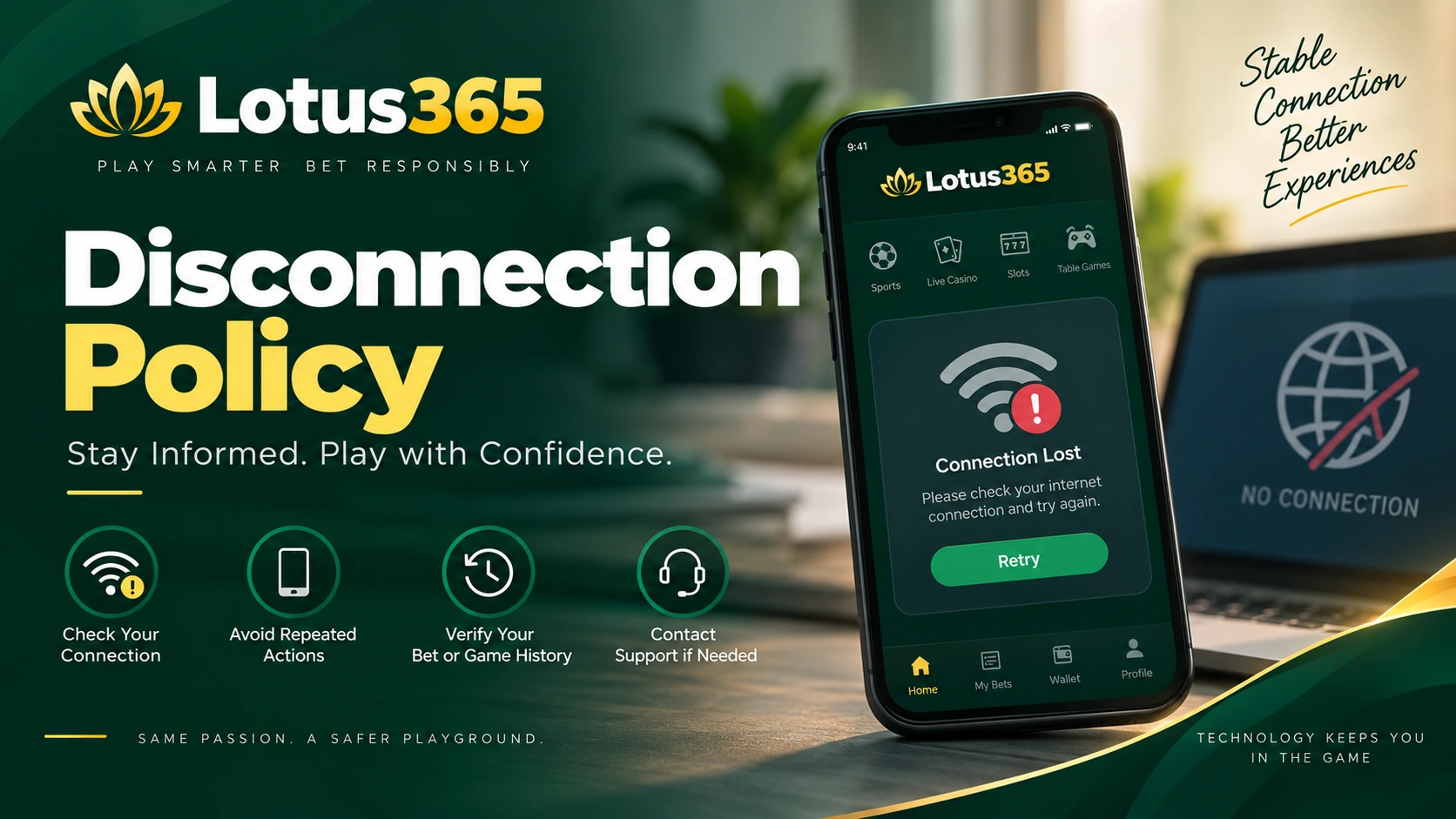
Disconnection Policy
Internet and device issues can sometimes interrupt a session without warning. A weak mobile connection, browser problem, network outage, or temporary server issue may cause a user to lose connection while viewing a market or using a game.
The Disconnection Policy explains how these situations are handled and what users should do if their connection stops during an active session.
What Can Cause a Disconnection?
A connection can drop for several reasons, and not every interruption is related to the Lotus365 platform. Common causes include:
- Weak or unstable mobile data
- Wi-Fi interruptions
- Temporary internet outages
- Browser or device problems
- Network congestion
- Software or technical issues
- Temporary server-side interruptions
Because internet connections can change unexpectedly, users should make sure they have a stable connection before starting a betting or gaming session.
What Happens If You Are Disconnected?
If you lose your connection while using Lotus365, the first step is to avoid making repeated actions until you can confirm what happened.
If an action or bet has already been successfully received and recorded by the platform before the connection was lost, the transaction may remain valid and will be handled according to the applicable market or game rules.
If the connection disappears before an action is successfully submitted, that action may not be recorded.
The important point is that a screen freezing or closing does not automatically mean that a transaction was cancelled. Users should reconnect and check their account or transaction history before trying again.
Disconnection During Live Betting
Live betting can change quickly because markets may move while an event is taking place. If your connection drops while viewing a live market, reconnect before attempting to place another bet.
A bet that was successfully accepted before the disconnection may continue to be processed under the relevant market rules. If the request was not successfully received, there may be no recorded bet.
Users should always check the latest account or bet information after reconnecting rather than relying only on what was displayed before the connection was lost.
Disconnection During Casino Games
If a connection is interrupted while playing an online casino game, the result may depend on whether the game action had already reached the game server.
Where a game round has been successfully registered, its outcome may be determined according to the applicable game rules. If an action was never successfully submitted, it may not be treated as a completed round.
After reconnecting, users should check their game history or account information where available. If the result or transaction cannot be identified, contacting support is the safest option.
What Should You Do After Losing Connection?
If your session suddenly disconnects, follow these simple steps:
- Check whether your internet connection is working.
- Wait a moment before attempting the same action again.
- Log back into your Lotus365 account if necessary.
- Check your bet, transaction, or game history.
- Confirm whether the original action was recorded.
- Contact support if the status remains unclear.
Taking these steps can help prevent duplicate actions caused by repeatedly clicking while the original request is still being processed.
Technical Problems on the Platform
Lotus365 may also experience temporary technical interruptions. When an issue is caused by the platform or its technical systems, the situation may be reviewed using available system records.
Where necessary, the relevant transaction, market, or game will be assessed according to the applicable Terms & Conditions and betting or game rules.
Users should keep any useful information, such as the approximate time of the problem, market or game name, and transaction reference, when contacting support.
User Responsibility
Users are responsible for maintaining a suitable internet connection and compatible device when accessing Lotus365.
Before starting a session, make sure your device has enough battery, your browser is working correctly, and your internet connection is stable. Avoid using unreliable public networks when managing account or payment information.
A disconnection caused by a user’s device or internet provider does not necessarily mean that an accepted transaction will be cancelled.
Reporting a Disconnection Issue
If you believe a transaction was affected by a technical problem, contact Lotus365 support and explain what happened.
Include relevant details such as:
- Registered username
- Date and approximate time
- Name of the match or game
- Transaction or bet reference, if available
- Description of what happened before the connection was lost
Providing accurate information helps the support team understand the issue and check the available records.
Final Note
A temporary loss of internet connection can happen at any time, particularly during live activities. The safest approach is to reconnect first, check your account history, and confirm the status of an action before attempting it again.
This policy should be read together with the applicable Lotus365 Terms & Conditions, Rules & Regulations, and Responsible Gambling Policy. If you are unsure about the status of a transaction after a disconnection, contact support rather than assuming that it was cancelled or accepted.